
For Researchers
Call for Research and Participate in Research
The Call for and Participate in Research process has changed. Moving forward, research opportunities will be shared through EduSphere as article/blog posts, providing a centralized location to view and engage with current opportunities.
Instructions on how to post a call for research participation, or participate.
- Go to aptaeducation.org and log in to the site.
- Click on EduSphere Community

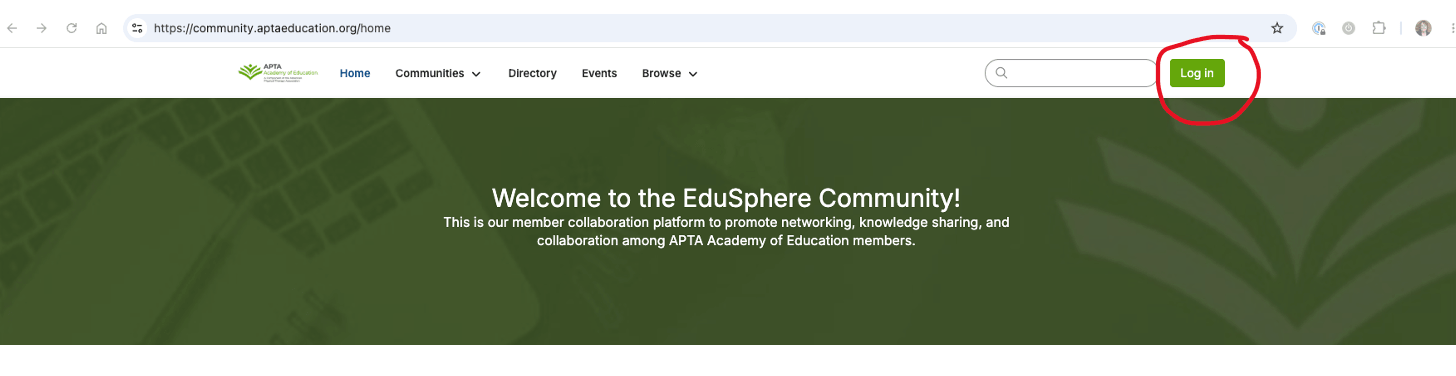
- Click Login
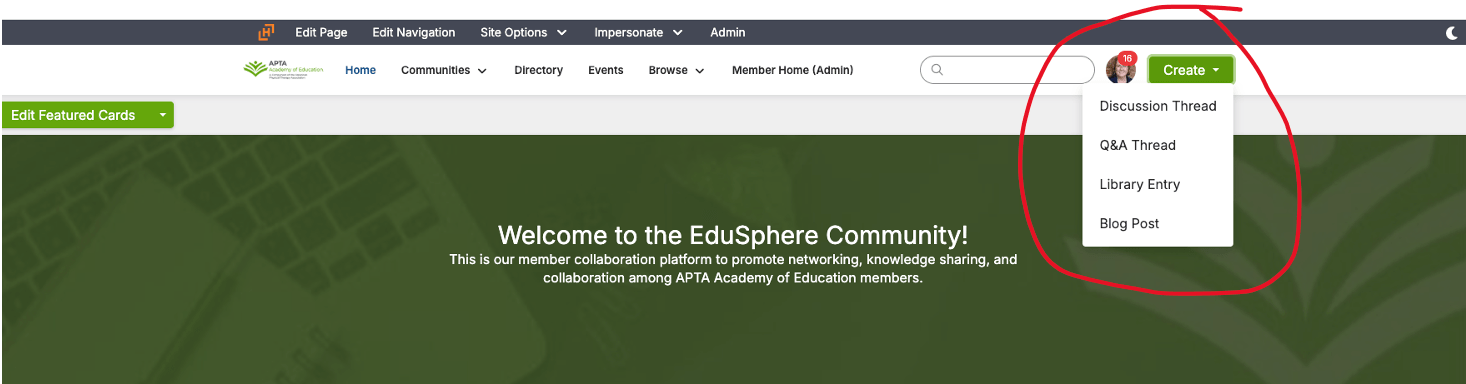
- Click Create, then choose Discussion Thread
- Under Post to Community, choose the Members Community, then type in your research information. Be sure to include:
- Contact name and email
- Title of research
- Description of research
- Ideal participant
- URL to survey participation
- Deadline
You may also upload related documents.
- Once you’re finished, click Post. It will immediately post to the Members Community, and all those who have opted in to receive emails when something is posted in there will also receive an email notification.